# VC Template

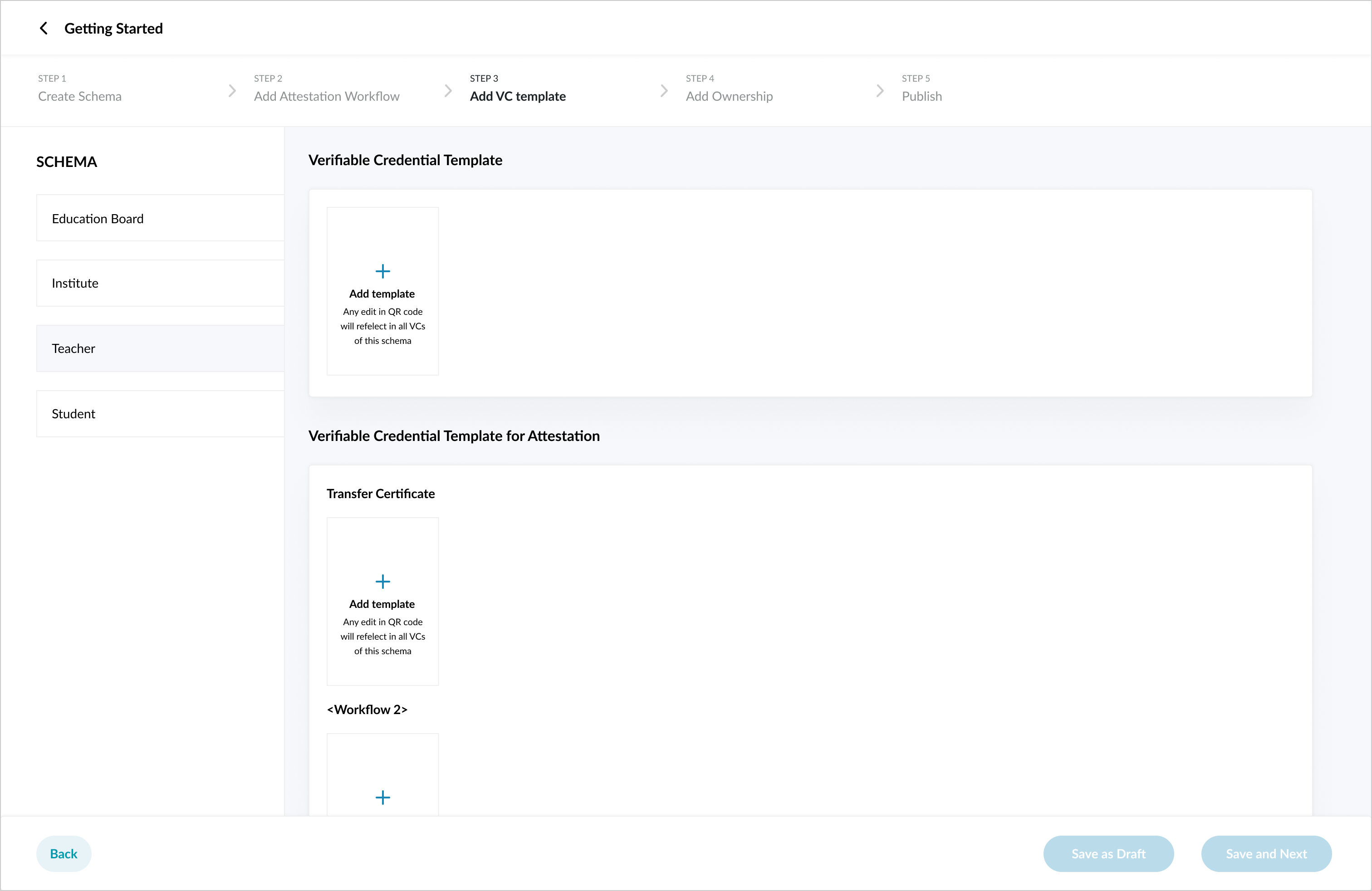
Create a VC template for the schema saved in previous step "Create Schema"

<figure><img src="https://976594346-files.gitbook.io/~/files/v0/b/gitbook-x-prod.appspot.com/o/spaces%2F-Mi9TAMApVKuSwtZEklF%2Fuploads%2FRYCKxkiSR5rQkm7p8ocM%2Fimage.png?alt=media&#x26;token=333df366-aea8-49ef-a224-aad2d0b1d314" alt=""><figcaption></figcaption></figure>

### Template

Once you have saved schema:

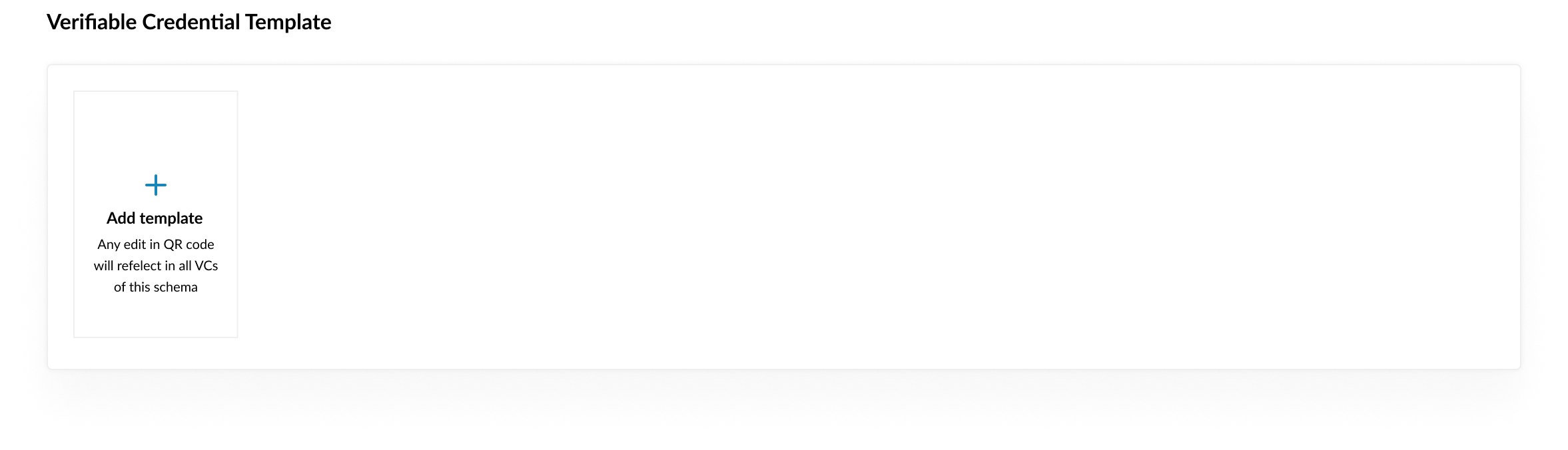
1. You can now add a verifiable credential template under each schema.
2. You can select existing template or [create custom template](https://docs.sunbirdrc.dev/developer-documentation/admin-portal/get-started/vc-template/custom-verifiable-credential-template)
<figure><img src="https://976594346-files.gitbook.io/~/files/v0/b/gitbook-x-prod.appspot.com/o/spaces%2F-Mi9TAMApVKuSwtZEklF%2Fuploads%2FNKpCYEh1t3KUy6CCBEB9%2Fimage.png?alt=media&#x26;token=0cc72c81-672f-4dd9-8a7a-0153e7176cb1" alt=""><figcaption></figcaption></figure>

### Template for Attestation Workflow

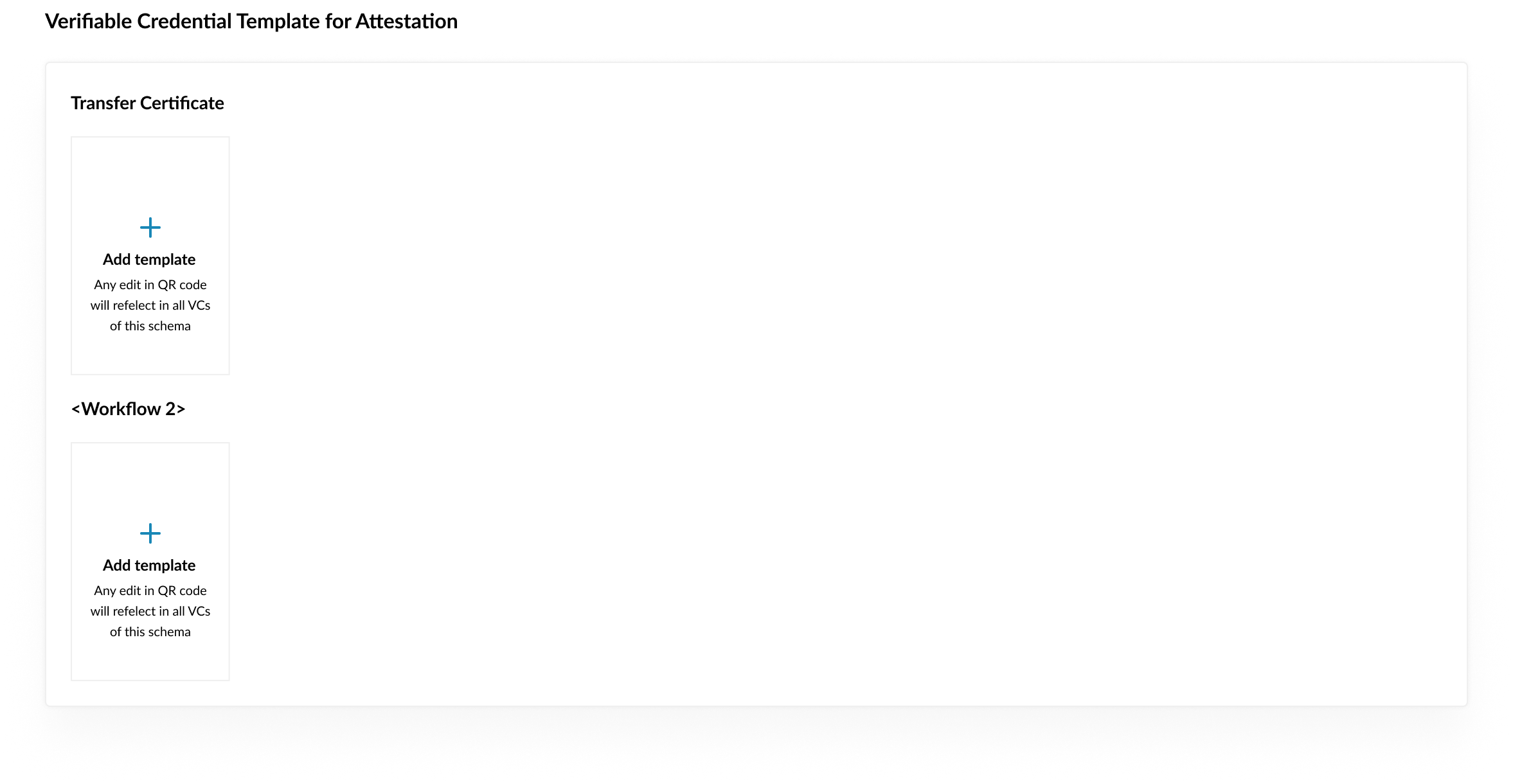
If you have created Attestation Workflow:

1. You can create a VC template for the attestation workflow.&#x20;
2. For each attestation workflow, you can add a VC template.
3. You can select existing template or [create custom template](https://docs.sunbirdrc.dev/developer-documentation/admin-portal/get-started/vc-template/custom-verifiable-credential-template)
<figure><img src="https://976594346-files.gitbook.io/~/files/v0/b/gitbook-x-prod.appspot.com/o/spaces%2F-Mi9TAMApVKuSwtZEklF%2Fuploads%2FRwnJ6y0f7eKbZnSj18R9%2Fimage.png?alt=media&#x26;token=4452e4cf-cbfa-418c-9c6d-b7d76ae02689" alt=""><figcaption></figcaption></figure>
